Thinking about getting a 3D printer but overwhelmed by the options? The right machinedepends on your goals—whether you’re making prototypes, detailed models, or functional parts.
Understanding which technology suits your needs is important. Your budget, space, and safety features also play a big role.
Keep reading to discover how to pick the perfect fit for your projects.
Define Your Goals to Pick the Right 3D Printer
To choose the right 3D printer, you need to clearly define your goals first, as this guides your selection process. Begin by pinpointing your main purpose—are you producing prototypes, educational models, or functional parts? This will influence features like build volume, material compatibility, and resolution. Keep your aesthetic priorities in focus; if surface finish and visual appeal are vital, printers like SLA or resin-based models may be best. If consistent high-detail results are necessary for branding or client work, select a printer known for reliability and precision. List your top project types and success criteria, such as fit, finish, or durability, to avoid being distracted by features that don’t serve your goals. Matching your printer to your actual needs ensures efficiency and satisfaction. Understanding 3D printer features and how they affect print quality can further help align your choices with your specific applications.
Compare FDM, SLA, and SLS Technologies
FDM, SLA, and SLS are distinct 3D printing technologies, each with its own strengths and limitations. FDM (Fused Deposition Modeling) works by melting and extruding thermoplastic filament layer by layer. It is the most accessible and cost-effective method, making it especially suitable for beginners and quick prototyping. Its surface finish tends to be rougher, and it may struggle with intricate details, but it produces durable parts with relatively low waste. Material versatility is also an advantage of FDM, allowing for a wide range of thermoplastics to be used based on project needs. Additionally, the availability of different filament types enhances its adaptability for various applications. The print speed of FDM can be faster for simple parts, contributing to quick turnaround times for basic prototypes. SLA (Stereolithography) uses a UV laser to cure liquid resin, resulting in high-resolution, smooth surfaces perfect for detailed models and artistic applications. However, SLA involves handling chemicals, requires post-curing, and can be more expensive and complex to operate. SLS (Selective Laser Sintering) fuses powdered thermoplastics with a laser, allowing for the creation of strong, complex parts without the need for support structures. SLS parts are typically robust and durable, ideal for functional prototypes or end-use parts, but the process and equipment tend to be more costly and produce more powder waste. While SLA and SLS can achieve finer detail and better surface quality, they also demand more post-processing, higher investments, and environmental considerations relating to chemical and powder disposal. Additionally, resolution and accuracy depend heavily on the specific technology and calibration, influencing the final quality of the printed parts. Understanding the material properties and environmental impact of each method helps in making informed decisions tailored to your project goals.
Choose the Ideal Build Size for Your Projects
Choosing the right build size for your 3D printer depends on your project dimensions. The build volume is expressed as X × Y × Z and indicates the maximum size of a single print. To determine the best size, measure your largest parts—longest, widest, and tallest—and compare these measurements to the printer’s specifications. Considering the build volume specifications can help you select a machine that perfectly aligns with your project needs. A new 3D printing technique can sometimes enable larger prints with the same build volume, so stay informed about advancements in the field. For small components or tools, a build volume of around 220 × 220 × 220 mm is sufficient. Larger projects, such as sculptures or prototypes, typically require a build area between 25 × 25 cm and 30 × 30 cm. Keep in mind that larger build volumes tend to increase both the cost of the printer and the amount of workspace needed. Choosing the appropriate build volume will help optimize your workflow and budget. Understanding your typical project size can help prevent overinvesting in a larger machine than necessary or experiencing limitations with your desired projects.
Select Materials and Quality Levels That Match Your Needs
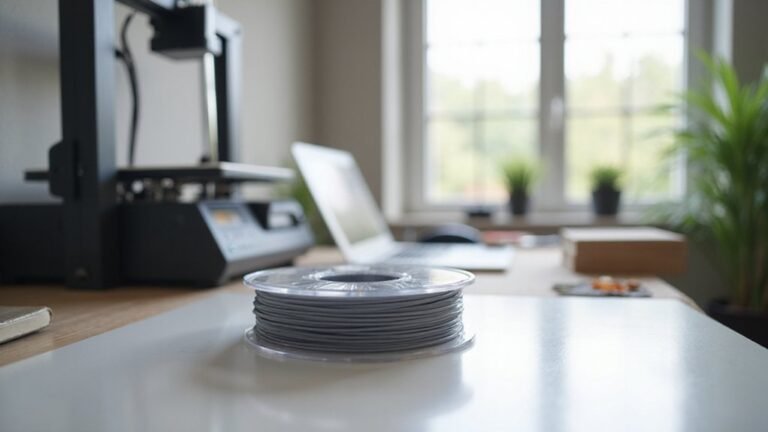
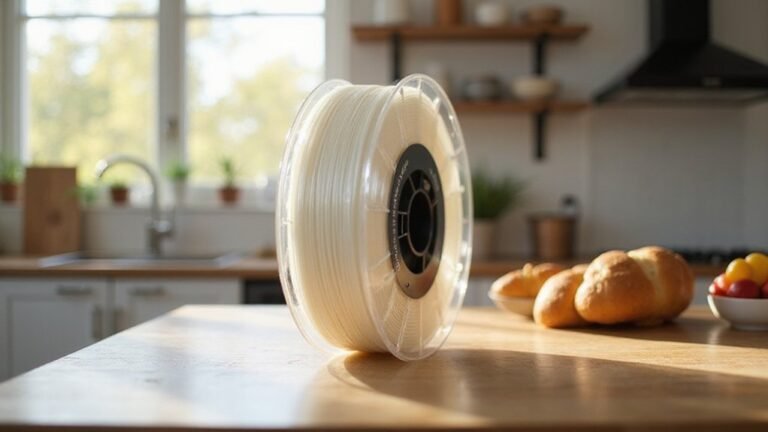
Choosing the right materials and quality levels depends on your project’s specific needs and environment. Your application will determine the best filament type, as each material performs better under certain conditions. For simple, everyday projects, PLA is a popular choice due to its compatibility, ease of use, and affordability. If you require stronger, more durable parts, PETG offers a balanced solution with good durability and more manageable printing. For applications demanding heat or chemical resistance, consider materials like ABS, TPU, or advanced composites such as PAHT CF15. Proper filament storage is critical for high-quality results—keeping filament cool and dry prevents moisture absorption that can weaken print quality. Maintaining filament quality through proper storage techniques helps ensure consistent results. Selecting reputable brands and consistent filament grades helps ensure reliable, precise outcomes that match your project requirements. Selecting the right filament can significantly influence the success of your printing results. In addition, understanding filament storage techniques is vital to maintain optimal filament quality over time, ensuring consistent performance during printing. Additionally, choosing filament with the appropriate tensile strength can greatly impact the longevity and performance of your printed objects in demanding environments.
Find User-Friendly Printers With Simple Software and Maintenance
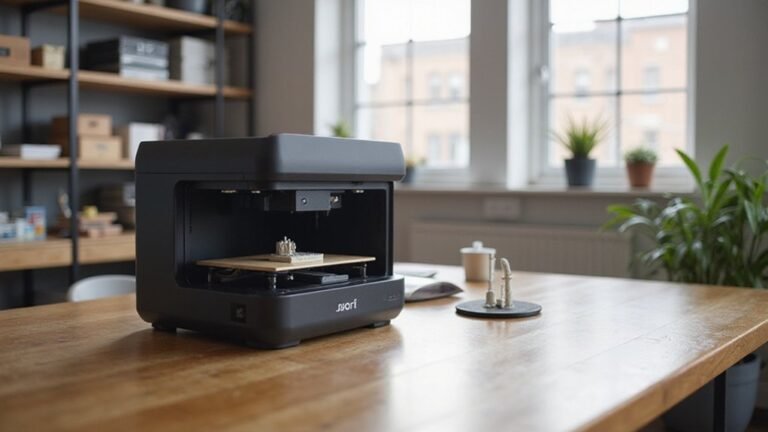
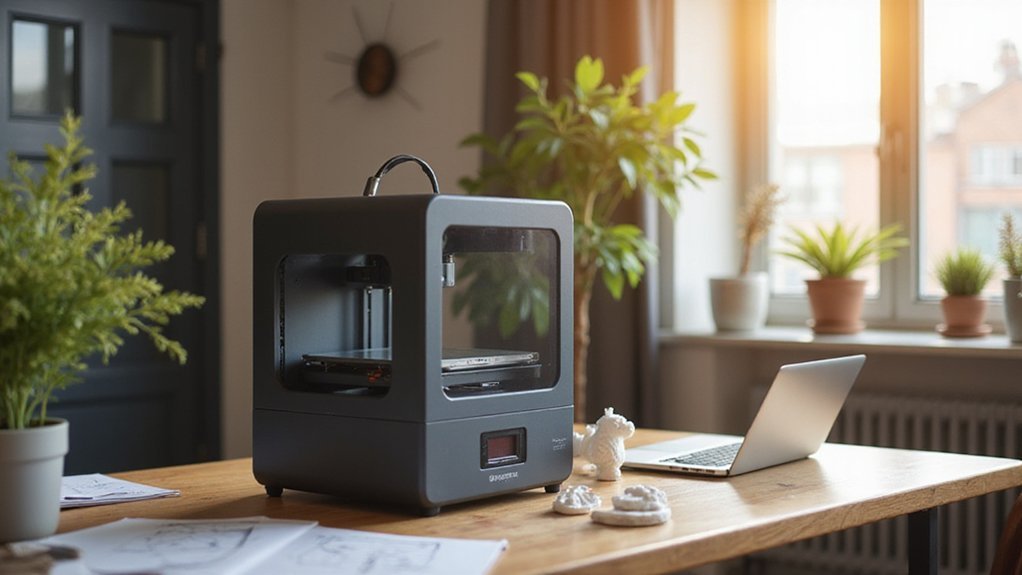
Finding a user-friendly 3D printer starts with features that make setup and maintenance straightforward. Look for auto-leveling beds and one-touch calibration wizards, which guide you through initial setup with minimal guesswork. Built-in sensors detect bed height variations in real time, ensuring consistent print quality and reducing frustration. Many printers arrive pre-calibrated and fully assembled, so you can start printing right away without complex assembly steps. Additionally, some models incorporate easy-to-clean components, making ongoing maintenance even simpler. Interfaces like Wi-Fi and touchscreen controls make remote operation and navigation simple, while cloud and mobile printing options add flexibility. Maintenance is easier with modular components, quick-swap build plates, and self-cleaning nozzles, reducing downtime and cleaning effort. Some models support eco-friendly plastics, helping you adopt more sustainable printing practices. To keep up with maintenance, look for self-maintenance features that help prolong machine lifespan and reliability. Furthermore, selecting printers with user-friendly design elements ensures an intuitive experience for beginners and experienced users alike.
These features keep software intuitive and maintenance hassle-free, allowing you to focus on your creative projects rather than technical obstacles.
Set Your Budget and Prioritize Safety Features
Setting a realistic budget is crucial to ensure you purchase a 3D printer that fits your needs without overspending. Consider ongoing costs like filament, replacement parts, and maintenance when planning your budget. Prioritize safety features such as thermal runaway protection, filament runout detection, and automatic bed leveling, which enhance safety and dependability. Enclosed chambers and airflow management help contain hot components, reduce fumes, and lower noise levels, making your workspace safer and quieter. If you plan to leave prints unattended, look for models with safety shutoffs and sensors that detect issues early. Balancing your budget with essential safety features so you choose a reliable, secure device prevents hidden expenses and long-term costs. Understanding safety precautions, like verifying whether the printer can be ironed-on with permanent vinyl, can further ensure a safe crafting experience.
Read Reviews and Explore Support Options Before Buying
Before making a purchase, it’s essential to explore reviews and support options to guarantee you choose a reliable 3D printer. Look for test-based reviews from independent outlets like PCMag or Wirecutter, which focus on actual performance rather than specs alone. Pay attention to what was measured, such as print quality, reliability, noise, and ease of setup.
Comparing multiple reviews helps you spot consistent positives and recurring issues like calibration challenges or limited software support. User reviews provide real-world experiences, highlighting practical aspects such as assembly and daily reliability. It’s also crucial to evaluate the support options available. Opt for printers that offer responsive customer service, options for remote support, and an ecosystem of upgrades or spare parts. These support features can significantly reduce downtime and make troubleshooting easier, ensuring your long-term satisfaction with the printer. Additionally, understanding food safety considerations for materials like PLA filament can be beneficial if you plan to use your printer for projects involving consumables or food-related items. Recognizing the importance of filament storage can also help maintain print quality and prevent moisture absorption over time. Knowing the print environment and how it affects material performance is another key aspect for achieving consistent results.