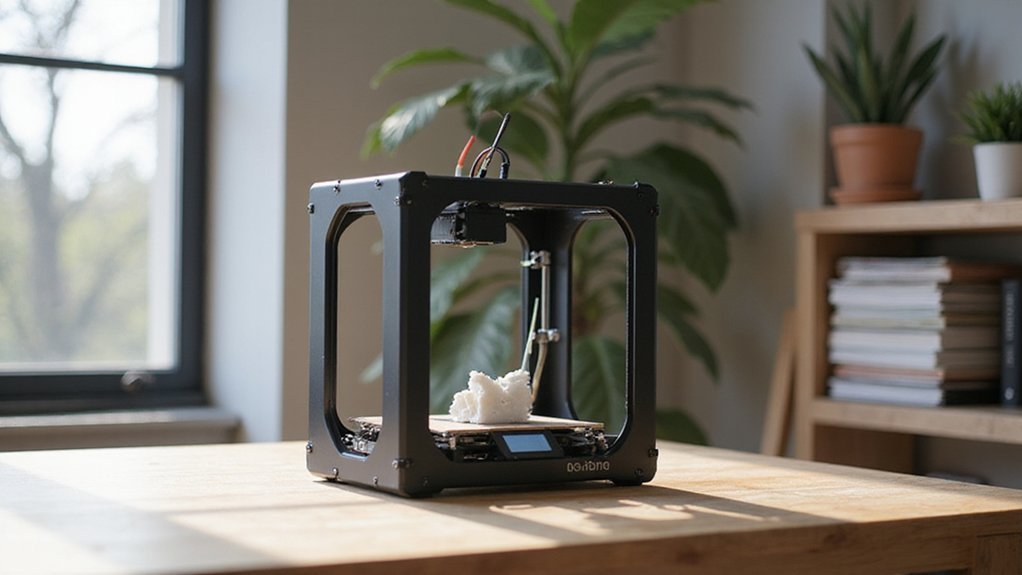
Choosing between an enclosed or open 3D printer depends on what materials you plan to use and how safe and convenient you need your workspace to be.
Open-frame models offer quick access and are ideal for hobbyists working with materials like PLA and PETG.
Enclosed printers provide better heat control for materials like ABS and Nylon.
The right choice can make all the difference in your printing results and safety, so let’s explore the factors that will help you decide.
Understanding the Differences Between Open-Frame and Enclosed 3D Printers
Open-frame printers, on the other hand, are better suited for materials like PLA, PETG, and TPU that tolerate fluctuating ambient conditions. They are more accessible for maintenance, tuning, and upgrades since they lack barriers, which simplifies access to the print bed and extruder. However, open-frame models do not offer the same thermal stability, which can lead to issues like warping or layer separation when printing temperature-sensitive materials. Enclosures also help regulate filament storage by providing a consistent environment, which reduces moisture absorption that can affect print quality. To optimize print quality with sensitive filaments, an enclosure helps prevent sudden temperature drops, cold shock, and issues with layer bonding. In addition, heat transfer plays a crucial role in maintaining stable printing conditions, making enclosures an important feature for challenging materials. An enclosure can also assist in controlling ambient temperature, which is vital for achieving high-quality prints with delicate or temperature-sensitive filaments. Enclosures are a stronger choice when precision, safety, and consistent results are high priorities, while open-frame printers excel when ease of use, quick adjustments, and printing with commonly forgiving materials are more important.
Physical Design: Open vs Enclosed – What’s the Setup?
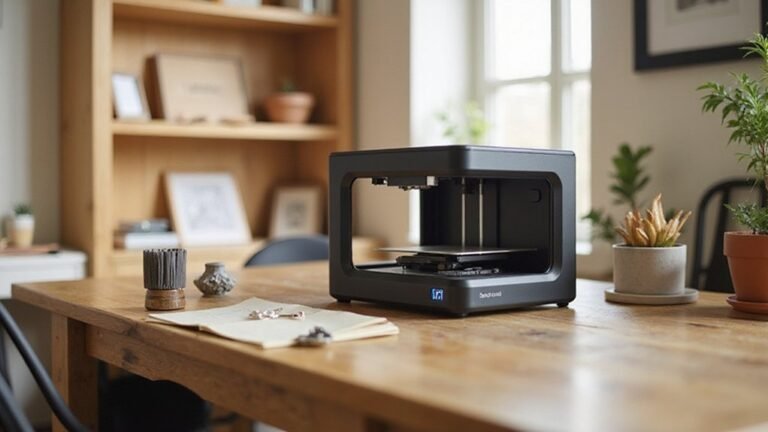
The physical setup of an open versus enclosed 3D printer significantly affects how you use and maintain the machine. Open-frame designs showcase the moving parts, making it easy to monitor progress from multiple angles. They also provide high accessibility, allowing quick access to belts, wires, and the build plate for maintenance or modifications. This setup is ideal if you want an open, tinkerer-friendly environment. Additionally, print compatibility can vary between open and enclosed designs, influencing the types of materials you can effectively use. For example, temperature stability and material suitability are crucial considerations, especially when working with filament types like ABS or PETG. Enclosed printers, on the other hand, surround the build volume with panels. They offer a sleek, tidy appearance that fits well in shared or professional spaces. While they protect internal components from drafts and dust, access for maintenance is more limited, often requiring panels or doors to be opened. An environmental control feature in enclosed setups can further improve print quality and reduce warping. Choose an enclosed setup if you prioritize protection and a clean look, even at the expense of easy internal access.
Impact of Enclosures on Print Quality and Material Choices
Enclosures significantly improve print quality by maintaining a consistent thermal environment that limits temperature fluctuations. This stability alleviates issues like warping, layer separation, and corner lifting, especially on larger parts. By blocking drafts, enclosures ensure that filament cools evenly, resulting in better adhesion, smoother surface finishes, and more precise dimensions. Materials such as ABS, ASA, nylon, and polycarbonate benefit most because they tend to shrink and warp more as they cool. An enclosed chamber also enhances interlayer bonding and adds structural strength, which is particularly useful for taller prints. Creating a homogeneous environment also helps reduce the formation of cold spots, leading to more uniform layer deposition and improved overall print consistency. Additionally, proper ventilation is important to prevent heat buildup that could damage electronics or delicate components. Incorporating airflow management strategies can further optimize cooling and improve detail fidelity. Proper airflow and cooling strategies can also influence the final print quality, especially for intricate or small features. However, excessive heat can cause small features to soften or negatively affect filaments like PLA. It’s important to find a practical balance of heat and airflow to optimize print quality without risking damage to electronics or delicate components. Controlled enclosures enable higher print speeds and improve results when working with heat-sensitive materials, making them essential tools for achieving consistent, high-quality prints.
Safety and Indoor Use: Which 3D Printer Is Safer?
Enclosed 3D printers are generally safer for indoor use. They provide better thermal insulation and noise reduction, which helps maintain a safer environment. The enclosed design limits access to hot components like the nozzle and heated bed, reducing the risk of burns and accidental contact. Additionally, enclosures contain emissions of volatile organic compounds (VOCs) and ultrafine particles (UFPs), making indoor air safer. Effective safety also depends on filtration systems, such as HEPA and activated carbon filters, which further reduce airborne hazards. Proper ventilation, like exhaust fans and strategic window placement, enhances safety by dispersing residual fumes and particulates. Features like emergency shutoff switches and interlocks add extra layers of protection, especially in shared or busy spaces. It is crucial to keep the enclosure closed for approximately 20 minutes after printing ends. This allows contaminants to clear and the device to cool, minimizing indoor hazards from residual fumes and hot components. Ensuring that your enclosure maintains proper ventilation systems can significantly improve overall safety during and after printing, especially considering the importance of controlling airborne particles generated during printing.
Cost, Maintenance, and Workflow: What You Need to Know
Open-frame 3D printers are generally more affordable, with prices typically ranging from $200 to $500. This lower upfront cost makes them appealing if you’re on a budget or just starting out. They offer straightforward access to key components such as belts, nozzles, and wiring, which simplifies cleaning and repairs. However, this open design also means they can accumulate more dust and debris over time, potentially affecting print quality and maintenance frequency. Using PLA filament can help mitigate some issues since it is easy to print and requires less temperature control. In contrast, enclosed 3D printers tend to have higher prices due to added panels, doors, and more complex construction. Entry-level enclosed models often start around $1,000, while high-end units can exceed $4,000. Their enclosed cabinets help shield internal components from environmental factors like drafts and temperature fluctuations, leading to more consistent results. Maintenance can be more challenging because accessing internal parts requires opening panels or doors, but these systems typically stay cleaner longer because the enclosure reduces dust buildup and external contaminants.
Best Materials for Open-Frame and Enclosed 3D Printers
Open-frame printers typically perform best with materials like PLA, PETG, TPU, and PLA Plus. These materials thrive at lower extruder temperatures and are easier to print in open environments, making them suitable for straightforward setups. They are ideal for creating visually appealing models with smooth surface finishes, especially when aesthetics matter. However, open-frame designs may struggle with parts that require high heat resistance or strong mechanical properties, as the environmental control is limited. Using the right print environment can significantly influence successful outcomes with these materials. Additionally, the thermal stability of the material plays a crucial role in determining whether an open-frame setup is appropriate. Enclosed printers excel with materials such as ABS, ASA, Nylon, and Polycarbonate. The enclosed setup provides a stable thermal environment, reducing warping and layer separation during printing. These materials are better suited for demanding applications that require durability, heat resistance, or chemical stability. While they offer more robust mechanical properties, they generally need more meticulous setup, including heated beds and controlled chamber temperatures, to achieve optimal results. Choosing the right material based on your printer’s design ensures better print reliability and improved part quality.
When to Choose Open or Enclosed: Use Cases and Recommendations
Choosing between open and enclosed 3D printers depends on your material needs, workspace, and noise tolerance. Open-frame printers are suitable if you mainly work with PLA or PETG, which do not require strict temperature control. They are ideal for quick, hobbyist projects in well-ventilated, draft-free environments. Open printers tend to produce lower noise levels, making them a good choice for quiet home offices or classrooms. Properly drying filament can also enhance print quality, especially for temperature-sensitive materials like PETG.
Enclosed printers are better if you primarily use engineering plastics such as ABS or Nylon, which benefit from a stable chamber to reduce warping and improve print quality. Enclosures help contain odors and emissions, making them suitable for shared or indoor spaces where ventilation is limited. Although enclosures can be noisier, they provide consistent conditions necessary for long, complex prints. Pick an open or enclosed design based on the compatibility with your materials, your workspace environment, and how important noise levels are for your setting.
Factors to Consider When Picking Your 3D Printer
When choosing a 3D printer, several key factors will influence your decision. Budget is crucial; consider the upfront cost, ongoing expenses for filament or resin, maintenance, and energy consumption to determine what fits your financial plan. Print size and build volume are equally important—select a machine that can handle the dimensions of your typical projects without wasting space.
Material compatibility ensures you can work with the materials your designs require. If you need color printing or multi-material options, verify that the printer supports these features. Print quality and reliability are also vital; look for units with solid construction, positive user reviews, and a reputation for durability to minimize frustration and downtime.
Ease of use features like intuitive interfaces, touchscreen controls, and auto-bed leveling can significantly streamline operation and reduce the learning curve. Finally, review the availability of technical support, warranty coverage, and the overall ecosystem—such as software updates and community resources—to ensure your workflow remains smooth and scalable over time.