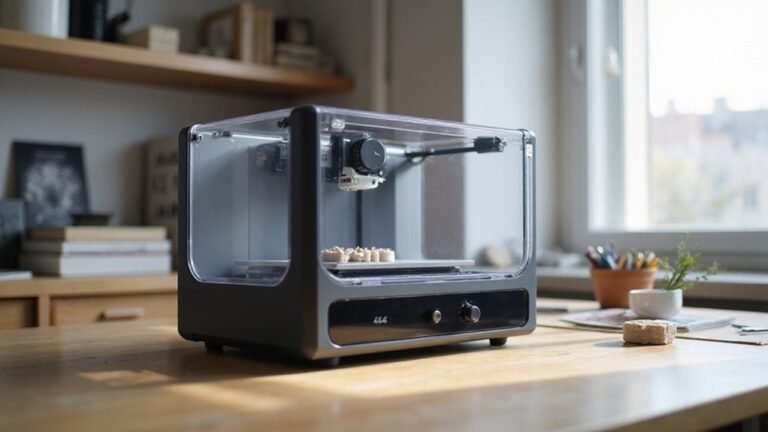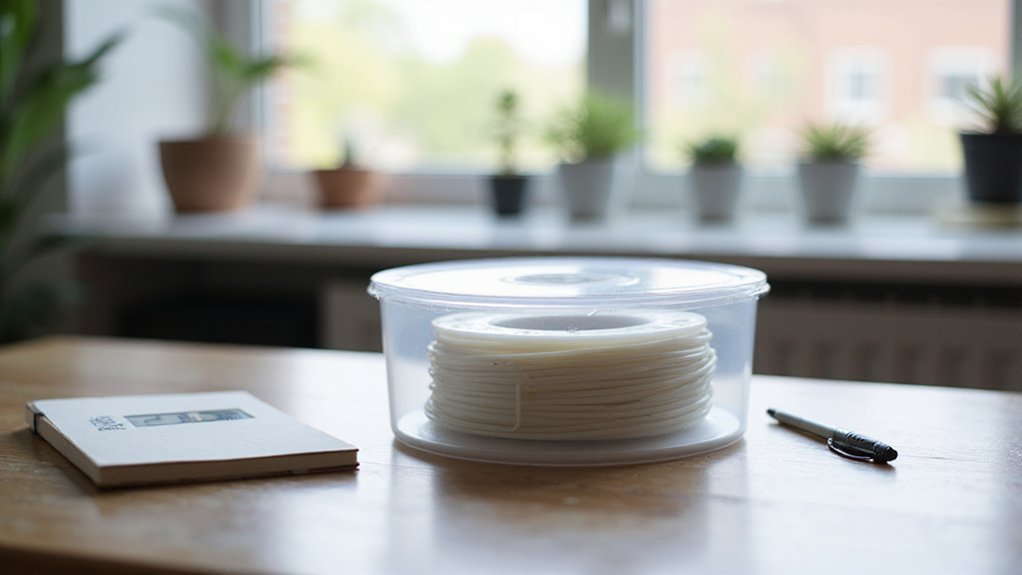
Dealing with moist TPU filament can be frustrating, especially when print quality suffers. The key is removing the moisture thoroughly without damaging the filament.
With the right drying method, you can restore your TPU filament to optimal condition, making your prints smoother and more reliable.
Keep reading to find out exactly how to dry TPU filament effectively and safely.
How to Recognize Moisture in TPU Filament?
Moisture in TPU filament can be identified through a combination of sound, visual cues, and tactile inspection. During extrusion, listen for popping, crackling, or sizzling sounds, which typically indicate that moisture is turning into steam inside the hot end. These intermittent noises are a strong sign of wet filament. Visually, small bubbles, steam, or spitting at the nozzle also suggest moisture presence. If you notice inconsistent extrusion or tiny blobs on printed parts, these are classic indicators of wet filament. Surface defects such as pinholes or pitting further point to moisture issues. Touch the filament—wet TPU will feel tacky or sticky, and it may be less flexible or more brittle than dry filament. Additionally, if the spool’s packaging is compromised or desiccant packets are missing, moisture absorption is likely. Regular filament inspection helps catch signs of moisture early, ensuring better print quality. Awareness of the moisture content in your filament can help prevent print failures and maintain consistent results. Understanding the moisture levels in filament can also guide you in choosing appropriate storage and drying methods to preserve filament quality.
Why Is Drying TPU Necessary for Quality 3D Prints?
Drying TPU is essential because moisture can significantly impair its mechanical properties. When filament absorbs water, your prints may develop surface issues such as bubbles, cracks, or other defects that diminish both the appearance and finish quality. Wet TPU can also cause the filament to change color slightly, resulting in uneven or faded-looking prints. Moisture absorption reduces TPU’s flexibility and durability, increasing the risk of deformation or cracking in the final part. During extrusion, moisture turns into steam, which heightens the likelihood of clogging and leads to defects like stringing and oozing. Proper drying preserves the filament’s original stretch and strength, ensuring consistent, high-quality results. Without it, moisture can cause unpredictable flow, rough surface finishes, and weakened mechanical performance—especially in flexible parts where material properties are crucial. Understanding your filament’s filament types helps optimize drying methods for the best print quality. Additionally, knowing the recommended drying temperatures for TPU helps prevent overheating and damage during the drying process.
How to Choose the Best Temperature and Time to Dry TPU?
The optimal temperature for drying TPU is generally between 45°C and 50°C, with some formulations tolerating up to 60°C. Temperatures should never exceed 65°C to 70°C, as higher heat can cause thermal expansion, warping, or decomposition. Start by checking your filament’s moisture level—moderately wet TPU usually needs 4 to 6 hours of drying, while heavily moist filament may require 8 to 10 hours, preferably at the lower end of the temperature range. Always consult the manufacturer’s recommendations when available. Using a stable dryer or oven with consistent temperature control helps prevent overheating and filament damage. Keep in mind that maintaining the correct temperature ensures effective moisture removal without compromising the filament’s integrity. Additionally, filament properties play a crucial role in achieving optimal drying results and maintaining filament quality, since different types of TPU may respond uniquely to drying conditions.
How to Dry TPU Filament: A Step-by-Step Guide
To dry TPU filament properly, begin by removing the spool from any vacuum-sealed bag, keeping the desiccant packets for future storage to help maintain consistent color and prevent moisture absorption. Examine the spool carefully for signs of damage, tangles, or softening, ensuring the filament remains compatible with your drying method. Place the spool on a flat, heat-resistant surface or a suitable holder inside a filament dryer, convection oven, or food dehydrator. Preheat your device to a low, stable temperature—around 45 to 50 degrees Celsius (113 to 122 degrees Fahrenheit)—to create an even and gentle drying environment. Uniform heat distribution is crucial to avoid uneven drying and potential filament issues. Avoid overcrowding the chamber to promote proper heat circulation, which is crucial for filament drying and uniformity.
During the drying process, keep the filament stationary and untangled, supporting it properly to prevent deformation. Regularly check the filament’s condition, and stop the process once it appears dry, firm, and stable. Be cautious not to exceed recommended temperatures, as excessive heat can cause softening or deformation. Proper monitoring and gentle handling will help ensure your TPU filament dries evenly without compromising its structural integrity.
The Best Equipment and Methods for Drying TPU Filament
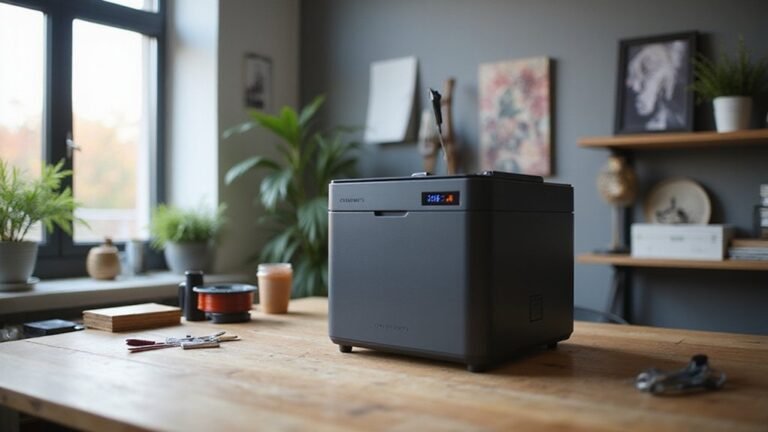
The most effective method for drying TPU filament is using a dedicated filament dryer that offers precise low-temperature control, typically between 40°C and 50°C. This ensures safe and even drying without risking filament deformation or weakening. Such dryers support direct-from-dryer printing, minimizing moisture exposure during handling. If a filament dryer isn’t available, a food dehydrator with stable low heat settings can be used, but you should verify the temperature with an external thermometer to prevent overheating. A convection oven can serve as a backup; set it to the lowest temperature setting and verify with a thermometer to avoid damaging the filament. DIY solutions like enclosing your printer heatbed with a box or cover are possible but less reliable due to inconsistent temperature control. Proper drying and storage are essential to maintain TPU’s flexibility and mechanical properties, preventing brittleness and stringing issues. Using moisture control techniques such as airtight containers, vacuum-sealing, and desiccants can significantly extend the filament’s shelf life and print quality. Regularly checking filament moisture levels with a hygrometer helps ensure optimal printing conditions. Incorporating properly labeled batches of filament can also help monitor drying durations and storage practices, reducing the risk of moisture-related printing issues.
How to Store Dried TPU to Keep It Moisture-Free
To keep dried TPU filament moisture-free, store it immediately in an airtight container or sealed bag. Thick ziplock bags, vacuum-sealed packs, or plastic bins with tight-fitting lids work best, as they prevent moisture from reabsorbing from the air. Place a fresh desiccant, like silica gel, directly inside alongside the spool to absorb residual humidity. Regularly replace or regenerate saturated desiccant packets to maintain effectiveness. Use a hygrometer to monitor humidity levels, aiming for below 40% relative humidity to avoid moisture absorption. Store your spool in a cool, dark, and stable environment away from sunlight and temperature fluctuations. Label each spool with details such as material type, color, and storage date to keep your system organized and ensure optimal filament quality for future prints.
Avoid These Common TPU Drying Mistakes
Drying TPU filament incorrectly can do more harm than good. Overheating the filament beyond the recommended temperature range of 55°C to 70°C can soften or deform it, leading to brittleness and potential breakage during printing. Excessive heat may also cause color bleeding, which ruins the filament’s appearance and can compromise print quality. Using unsuitable drying setups, such as household ovens without precise temperature controls or poor airflow, results in uneven drying. This inconsistency can leave moisture trapped inside or damage the filament’s structure.
Drying for too long can soften TPU, causing it to lose its shape and deform. Mishandling the spool—like tangling or restricting airflow—reduces the effectiveness of the drying process. To keep your TPU filament strong, uniform, and ready for high-quality prints, avoid these common mistakes. Proper handling and accurate drying conditions ensure your filament maintains optimal performance and durability.
Troubleshooting: What to Do When Your TPU Still Prints Poorly
If your TPU print still comes out poorly despite drying, the problem likely extends beyond moisture issues. Start by inspecting your filament for signs of stringing, oozing, bubbling, or popping sounds during printing. These symptoms suggest residual moisture or improper storage. To prevent moisture reabsorption, keep your TPU in a dedicated dryer or an airtight container with desiccants. Moisture absorption can quickly lead to filament bubbling and reduced print quality, so controlling humidity is essential. Proper filament storage is crucial to maintaining optimal print conditions. Ensuring consistent storage practices helps prevent fluctuations in moisture levels that can negatively impact your prints. Next, review your print settings. Lowering retraction distance and speed reduces the likelihood of stringing. Also, fine-tuning the extrusion temperature—typically between 210°C and 230°C—and the print speed—around 20 to 30 mm/s—can improve quality. Confirm that the heated bed is properly prepared and use adhesion aids like a glue stick, PEI sheet, or painter’s tape to ensure solid bed adhesion. Additionally, moisture levels within your filament can fluctuate if storage is inconsistent, so verifying proper storage practices is beneficial. Finally, check your extruder and nozzle for blockages or uneven filament feed. Adjust tension on the extruder gear if needed. Achieving good TPU prints involves controlling moisture, optimizing print parameters, and maintaining a clean filament path.