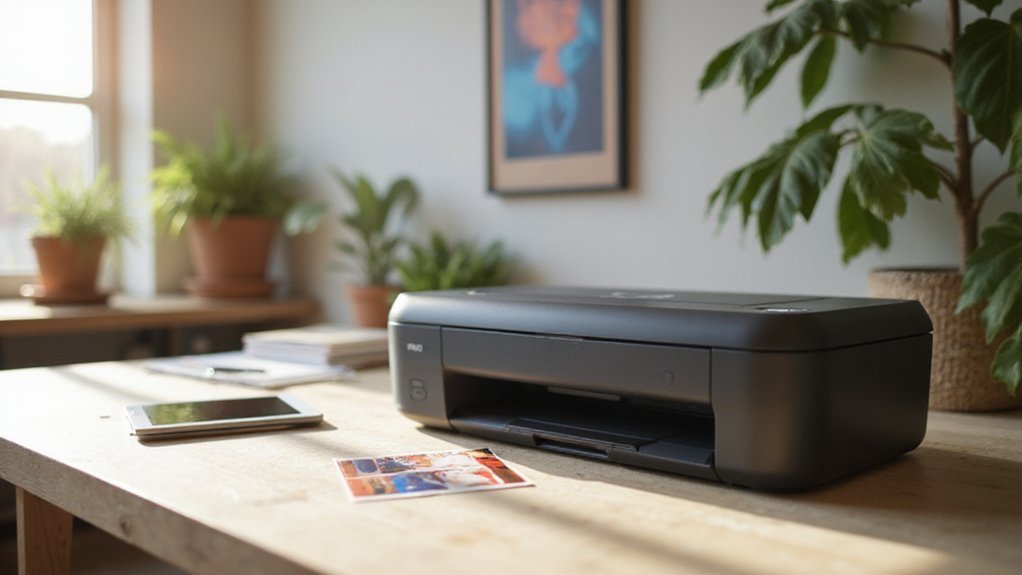
Choosing the right sublimation printer can feel overwhelming with so many options out there. You want vibrant, precise results without constantly battling ink or media issues.
Whether you’re new to sublimation printing or upgrading your setup, making an informed choice is key to getting professional-looking results.
Keep reading to find out what features matter most and how to pick the best printer for your needs.
Do Sublimation Printers Work Differently Than Regular Inkjet Printers?
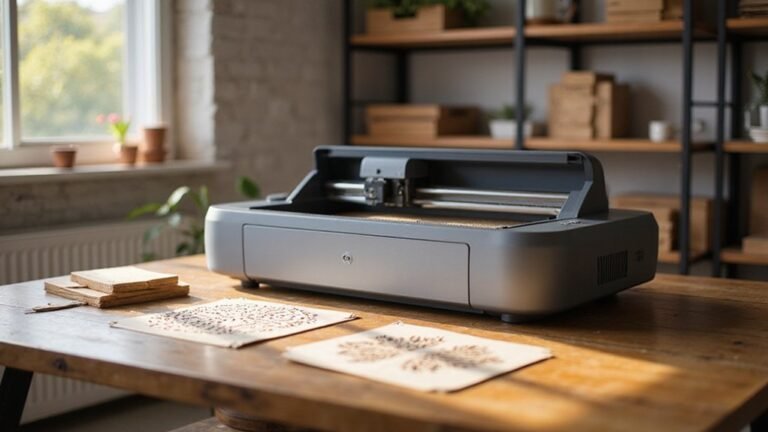
Sublimation printers work very differently from regular inkjet printers. While inkjet printers spray liquid ink directly onto paper, sublimation printing uses heat to transform solid dye into gas, which then bonds with the material. This process allows the dye to penetrate the surface, resulting in more vibrant and long-lasting colors. Inkjet prints, on the other hand, sit on top of the material and are more prone to fading and wear over time. Because sublimation dyes become part of the substrate, images produced this way tend to be more durable and resistant to environmental factors like sunlight and water. The key difference lies in how each method applies ink or dye—one through direct spraying, the other through heat-induced bonding—which significantly impacts the final image quality and longevity. Sublimation ink is specifically designed to convert from a solid to a gas during the printing process, enabling it to bond firmly with compatible materials for superior durability. Additionally, the composition of sublimation ink, which includes dye-based colorants, is essential to achieving the vibrant output associated with sublimation printing. Properly understanding sublimation dye chemistry can help optimize the quality and durability of printed images.
What Features Are Most Important When Choosing a Sublimation Printer?
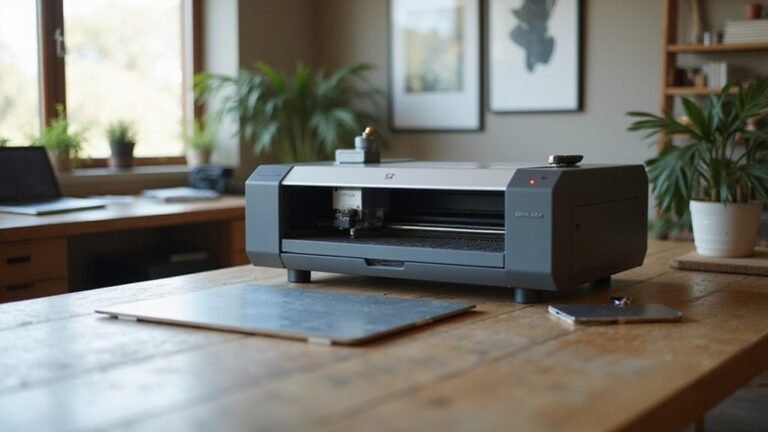
Choosing a sublimation printer requires focusing on key features that match your specific printing needs. The most critical aspect is color accuracy; a printer that reproduces vibrant, true-to-design colors ensures professional results. Resolution matters too—look for 600 dpi or higher for sharp details and smooth gradients, especially with complex artwork. Media versatility is another important factor; select a printer capable of handling different substrate sizes and types, including roll media for larger or bulk jobs. Connectivity options like Wi-Fi and Ethernet can streamline your workflow by allowing flexible, remote printing. Ease of maintenance is vital to reduce downtime, so choose models with user-friendly cleaning and troubleshooting features. Consider print speed and volume capacity to meet your production demands efficiently. Good software support, including RIP software and ICC profiles, helps optimize color reproduction and keeps your output consistent across multiple projects. Additionally, understanding how to prolong the life of your printing equipment, such as proper maintenance and handling drying filament, can significantly impact the overall quality and durability of your prints. Regular calibration and color management strategies are essential to maintaining the consistency of color output over time and across different media, ensuring professional-grade results.
How Does Ink Compatibility Affect Your Sublimation Printing Options?
Ink compatibility is essential because only certain printers are designed to handle sublimation inks effectively. Typically, only inkjet printers with piezoelectric printheads are suitable for sublimation, as they can manage water-based sublimation inks without clogging or damage. Checking manufacturer specifications is key—if the printer isn’t marketed for sublimation, it’s unlikely to be compatible. The chemistry of the ink also impacts color stability; mixing incompatible inks can lead to color shifts, clogs, and inconsistent results. Residual non-sublimation ink in the printer can cause cross-reactions, risking printhead failure. Ensuring ink compatibility results in sharp, vibrant colors and prevents issues like fading or peeling over time. Switching back to regular ink after converting the printer can cause damage, so maintaining compatibility and staying dedicated to sublimation inks helps preserve your printer’s health and maintain high-quality output. Additionally, printhead safety is a crucial factor to consider when selecting the right inks and maintaining your printer.
What Resolution and Print Quality Should I Expect From a Good Sublimation Printer?
A good sublimation printer should produce images with a resolution of at least 300 DPI for most applications. This resolution ensures sharp text, fine details, and crisp lines at standard print sizes. Higher-end models can support up to 1440 DPI or more, resulting in smoother gradients and more accurate colors, especially on detailed or high-quality images. Your source artwork should be prepared at 300 DPI or higher to prevent softness or jagged edges in the final print. Resolution directly impacts the vibrancy and clarity of the final image, ensuring your prints look professional and polished. For printing on smooth substrates like ceramic or glass, resolutions around 600 DPI are recommended to capture maximum detail. Textiles, on the other hand, can often be printed effectively at 300 DPI without loss of quality. Higher driver-quality settings can improve perceived DPI and ink consistency, leading to more vibrant, precise transfers. Reliable color accuracy and steady ink delivery further contribute to cleaner, sharper results in your sublimation prints.
How Do Media Handling and Print Size Impact Your Setup?
Media handling is vital for consistent, high-quality sublimation transfers because proper preparation directly affects drying stability and transfer reliability. Acclimating your media to the same environment as your printer—around 20–24°C with 40–50% humidity—helps prevent moisture issues and paper folds, which can cause defects. Ensuring the paper is fully dry before printing and controlling ambient conditions reduces the risk of ink smudging or transfer failures. Managing media stability involves keeping papers in a stable environment to prevent warping or curling, which can misalign prints and waste time. Proper media handling results in more uniform results and fewer reprints. Additionally, understanding the importance of environment control is crucial for media handling to ensure high-quality sublimation results. Recognizing how media stability impacts print quality can help in selecting appropriate storage and handling practices for consistent results.
Managing storage conditions is also essential for long-term media quality and reliability.
What Are the True Costs of Buying and Operating a Sublimation Printer?
The total costs of buying and operating a sublimation printer can range widely based on your scale and needs. The initial investment includes the printer itself, which can cost anywhere from around $180 for DIY conversions to over $25,000 for industrial-grade models. Additional equipment like heat presses, design software, and setup supplies typically add $500 to $2,000 or more to your startup expenses.
Ongoing costs are just as important to consider. Ink cartridges usually run $30 to $60 each, and you’ll need to budget approximately $0.80 to $1.25 per sheet for transfer paper or sublimation paper. Consumables such as transfer paper and specialized coatings also contribute to your regular expenditure. Maintenance costs encompass replacing printheads and refilling ink, which generally amount to about 5 to 10 percent of the printer’s purchase price annually. Understanding the cost structure can help you plan for sustainable operations.
Operational costs extend beyond consumables; you should factor in utilities such as electricity and water, routine repairs, and overheads like workspace rental or storage. These ongoing expenses help you identify your break-even point, which typically falls within 18 to 24 months of starting the business. Planning for both initial investment and continuous expenses ensures a clear understanding of the true costs involved.
What Workflow Tips and Support Options Help You Get Started?
Effective workflow organization begins with creating digital mockups to preview the layout, size, and color placement before printing. This step helps you catch potential mistakes early and avoid costly errors. Keep a sublimation journal and a separate notebook of equipment settings to track successful methods and prevent unnecessary trial-and-error. Running test prints on each substrate allows you to fine-tune settings like temperature, time, and pressure for optimal results. Support resources such as warranties, ICC profiles, and manufacturer instructions are vital for setup and troubleshooting, ensuring your process stays consistent. Always make sure blanks are clean and pre-pressed, and secure transfers with heat-resistant tape. Follow recommended pressing time, temperature, and pressure closely, and avoid motion during the press to ensure even, high-quality results. Using organized workflow tools and reliable support makes the process smoother, boosting your confidence in producing consistent, high-quality sublimation products from the outset. Additionally, understanding that heat transfer vinyl can be used on wood expands your creative options and allows for durable, customized designs on wooden surfaces. Incorporating pre-pressing techniques can further improve substrate absorption and final print quality. Being familiar with the importance of proper calibration also ensures your equipment performs optimally and produces consistent results.